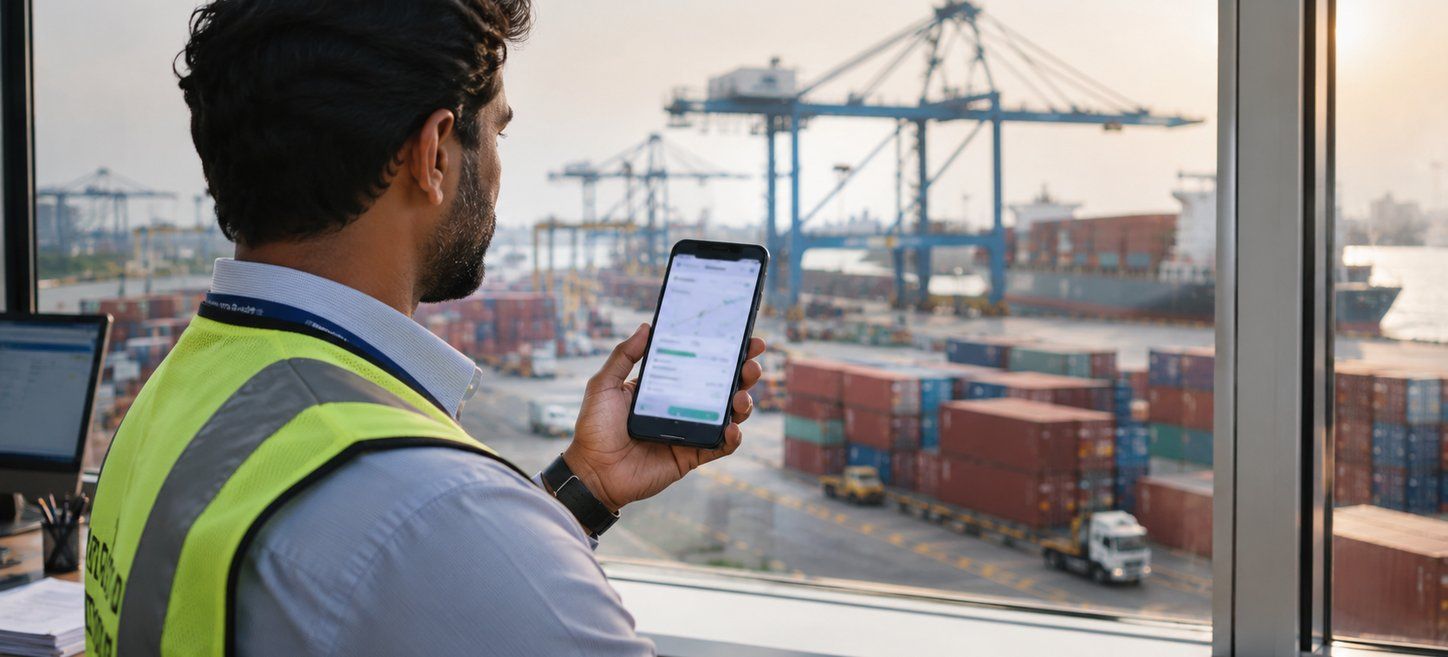
Short answer: to track a container at Jebel Ali, run a container enquiry on the Dubai Trade portal using the container number (four letters and seven digits). For voyage and ETA details, use the shipping line’s tracking page with the container or bill of lading number. Terminal tracking shows events such as discharge, holds and gate-out. Release itself depends on the delivery order, customs clearance and paid charges, which your forwarder or clearing agent can confirm.
Who runs what: Dubai Trade, DP World and the shipping line
Three different systems hold information about your container, and each answers a different question.
| System | Who runs it | What it tells you |
|---|---|---|
| Dubai Trade | Dubai’s trade services platform, linking DP World, Dubai Customs and other authorities | Container enquiry at the terminal: arrival, discharge, holds, gate movements |
| DP World | The operator of the Jebel Ali container terminals | Terminal handling, berth and yard activity |
| Shipping line | The carrier named on the bill of lading | Vessel, voyage, ETA, transhipment, empty return |
If you shipped with a forwarder or NVOCC, its own tracking adds the house bill of lading and the status of your documents. You can also use our track a shipment page for ARK bookings.
How to read a container number
Every container carries a unique number under ISO 6346, painted on the doors and sides and printed on the bill of lading.
- Owner code (3 letters): identifies the container owner, often the shipping line or leasing company.
- Category identifier (1 letter): “U” for freight containers.
- Serial number (6 digits): the box’s own number.
- Check digit (1 digit): a calculated digit that catches typing errors.
Example (illustrative): ABCU 123456 5. If an enquiry finds nothing, the most common reason is a mistyped letter or digit, so copy the number exactly from the bill of lading or arrival notice.
Step by step: container enquiry on Dubai Trade
The exact screens change from time to time, but the process is similar:
- Open the Dubai Trade portal and find the container enquiry or container tracking service. Some enquiries can be run without logging in; more detailed services need a registered account.
- Enter the container number, without spaces if the form asks for that.
- Read the event history, which usually shows the vessel, discharge time and any movements inside the terminal.
- Check for holds or alerts placed on the container.
- Note the gate-out time once the container leaves the terminal.
If the container is not found, check the number, then check with the shipping line that the vessel has arrived and the container has been discharged.
Common container statuses and what they mean
Terminal and carrier systems use different wording, but the stages are the same:
| Stage | What it means | What happens next |
|---|---|---|
| Gated in (export) | The full container has entered the terminal for loading | Loaded on the vessel if the export declaration and VGM are accepted |
| Loaded on vessel | The container is on board | The carrier issues the bill of lading |
| Vessel arrived | The ship has berthed | Discharge begins |
| Discharged | The container is off the ship and in the yard | Delivery order, customs clearance and payment of charges |
| On hold | A party has blocked release | The reason must be cleared before collection |
| Released | All parties have released the container | A truck can collect it |
| Gated out | The container has left the terminal | Delivery to the consignee; detention may start |
| Empty returned | The empty box is back at the line’s depot | Detention stops |
Why a container is on hold
A hold is a block placed by a party with an interest in the container. The usual reasons are:
- Shipping line hold: freight or destination charges unpaid, or the delivery order not yet issued. See house vs master bill of lading for how release works when an NVOCC is involved.
- Customs hold: the declaration has not been filed, documents need correction, or the container has been selected for inspection.
- Permit hold: the goods need approval from an authority, such as food, cosmetics or regulated electrical goods.
- Terminal hold: terminal charges or storage unpaid.
Your clearing agent can usually see who placed the hold and what is needed. Act quickly: once free time ends, port storage and demurrage grow every day. See demurrage and detention in the UAE.
Tracking with the shipping line
The shipping line’s tracking page answers questions the terminal cannot:
- The vessel and voyage the container is on.
- The ETA at Jebel Ali and any change to it.
- Transhipment at another hub, where the container changes vessel.
- Empty return after delivery.
Most lines accept the container number, bill of lading number or booking number. If you hold a house bill of lading from a forwarder, the line’s system may show the forwarder’s master bill of lading number instead, so ask your forwarder for it. See what is a bill of lading.
Tracking LCL cargo
If you shipped LCL, your goods share a container with other shippers. Tracking the container tells you when it arrived, but not when your cargo is ready. After discharge, the container goes to a container freight station (CFS) to be unpacked. Your forwarder confirms when your cargo is available and which charges apply. See container yard vs container freight station.
What tracking does not tell you
Tracking is a record of events. It does not show:
- Whether your documents are complete and correct.
- Whether the duty and VAT have been calculated correctly.
- When the delivery order will be issued.
- When a truck is booked for delivery.
That is why your forwarder’s update matters as much as the online status. A container can show “discharged” for days while documents are fixed.
A practical tracking routine for importers
- Before arrival: confirm the ETA with the line and send documents to your clearing agent.
- On arrival: check that the container is discharged and whether any hold appears.
- During clearance: ask your agent for the declaration status and release date.
- After release: book collection inside free time and track gate-out.
- After delivery: return the empty container on time and keep proof of return.
An illustrative example
This example is illustrative only. A Dubai importer expects a 40′ container of furniture. The line’s tracking shows the vessel arrived on Monday. A container enquiry on Dubai Trade on Tuesday shows the container discharged but on hold. The clearing agent confirms the hold is for the delivery order, because destination charges have not been paid. The importer pays the charges on Tuesday afternoon, the delivery order is issued, customs clearance completes on Wednesday and the container is gated out on Thursday, within free time.
Tracking exports from Jebel Ali
Container enquiry works for exports too. After you collect an empty container and load it, you can check that the full container has gated in before the cut-off, that it has been loaded on the planned vessel, and when the vessel sailed. If a container misses the vessel, known as being rolled, the enquiry shows it still in the yard. Ask your forwarder for the next sailing and, if you are shipping under a letter of credit, check that the new on-board date still meets the latest shipment date.
Key takeaways
- Use the container enquiry service on Dubai Trade to see terminal events at Jebel Ali.
- Use the shipping line’s tracking for vessel, ETA and transhipment.
- A container number has four letters and seven digits; most failed searches are typing errors.
- A hold means a party must release the container: line, customs, permit authority or terminal.
- Tracking shows events, not when your documents and release will be ready.
- Plan clearance and collection inside free time to avoid storage and demurrage.
Need help with a container at Jebel Ali?
Our team handles customs clearance, release and delivery across the UAE for containers arriving at Jebel Ali. Send your container or bill of lading number through track a shipment or request a quote.